
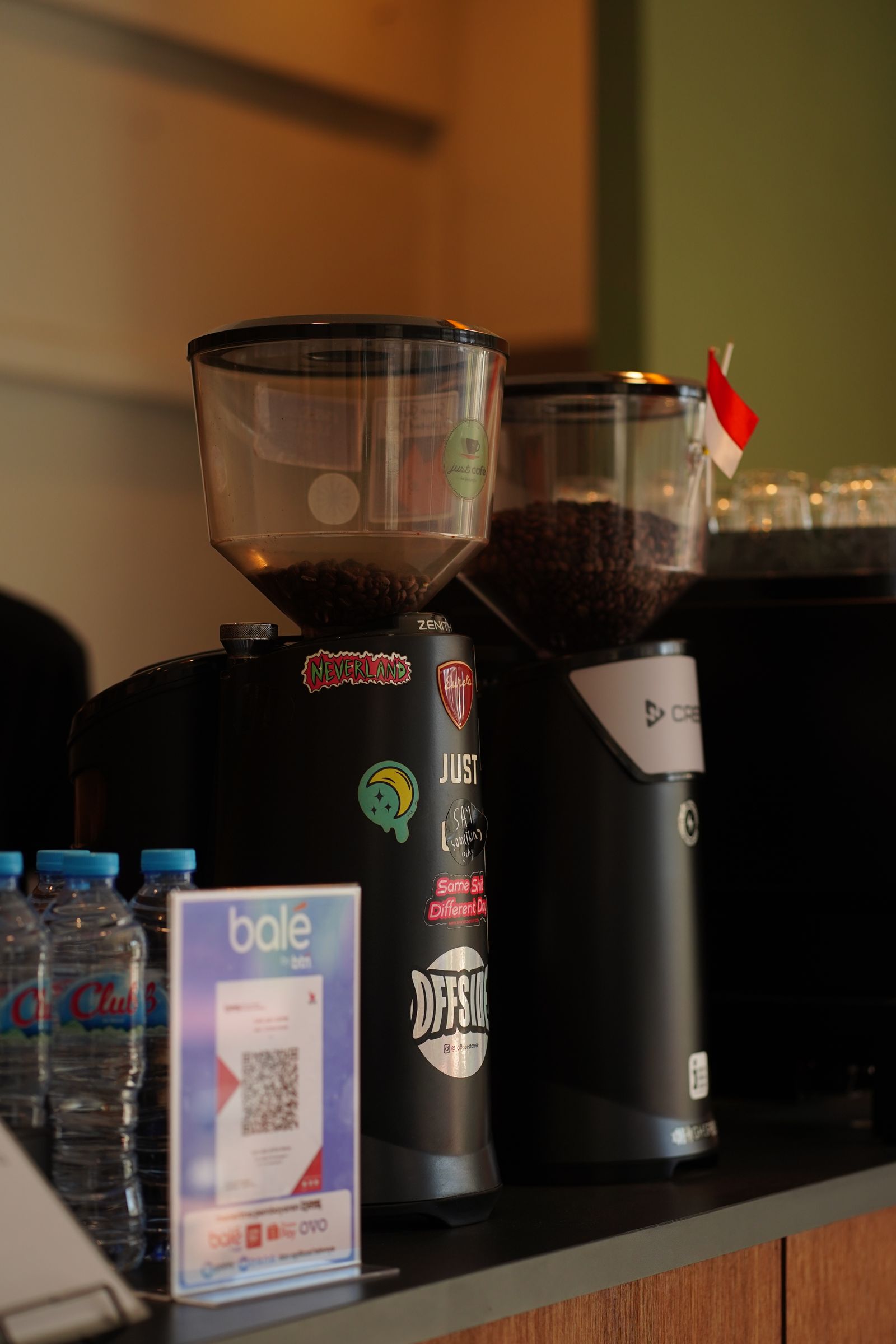
Restaurant Digital Menu & QR Ordering Setup Service is a focused small-business opportunity built around a specific customer problem: Many small food businesses still rely on blurry menu photos, outdated PDF files, broken links, or QR codes that send customers to a page that is slow or difficult to use on a phone. The strongest version is not a broad agency offer. It is one repeatable package with a defined customer, checklist, handoff, and measurable completion standard.
Demand will vary by niche and location, so validate the problem before investing heavily. Start with a small pilot, document how long each task takes, and improve the offer from real customer feedback rather than assumptions.
Why this is timely in 2026
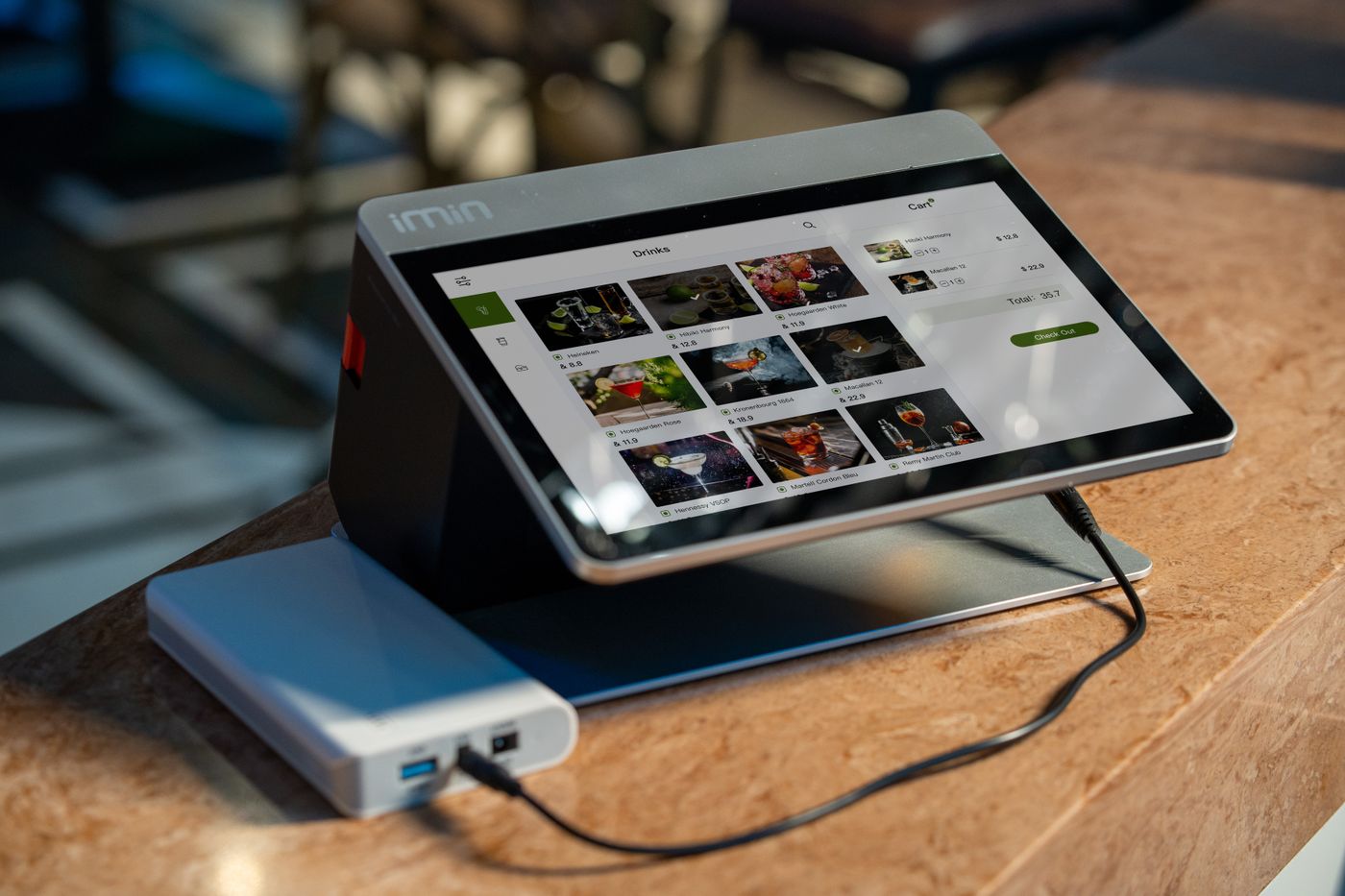
A QR code is easy to generate, but a useful ordering experience requires more than the code itself. The menu has to load quickly, show current items and prices, work on common phones, and fit the restaurant workflow. Square, for example, documents QR ordering systems that connect table or location codes to mobile ordering pages, showing how digital menus can become part of normal service rather than a one-off graphic.
The biggest advantage for a new operator is focus. A narrow service makes it easier to create a checklist, estimate delivery time, set boundaries, train help later, and publish marketing content that speaks to one clear buyer. Early proof should come from completed pilots and a reliable process, not from exaggerated claims.
The business model
Your core offer is straightforward: Set up a mobile-friendly menu, reliable table QR codes, clear ordering links, and a simple update process for cafes, food trucks, and small restaurants. Package the work so a customer knows what happens before, during, and after the project. A clean package normally includes discovery, execution, quality control, handoff, and a short support period.
Keep optional work separate from the base package. Rush delivery, travel, printing, paid software, extra revisions, custom development, ad spend, third-party subscriptions, or specialist advice should be clear line items. This protects margin and prevents the service from growing into an undefined list of tasks.
Best clients to target
Do not market to everyone. Start with one or two customer groups where the problem is easy to see and the buying decision is reasonably simple.
- independent cafes with frequently changing menus
- small restaurants with table service or counter ordering
- food trucks and pop-up food businesses
- bakeries and dessert shops with seasonal products
- venues that already have online ordering but need a cleaner in-store journey
For the first month, keep outreach, examples, pricing, and case studies focused on the same niche. After several real projects, compare which clients buy fastest, require the least rework, and create the clearest results.
What to include in the service
A professional starter package can include:
- menu content cleanup and mobile layout
- QR code creation and table/location labeling plan
- ordering, WhatsApp, booking, or payment link setup based on the client workflow
- device testing on common screen sizes
- print-ready QR table cards or counter signs
- simple handoff guide so staff can update prices and sold-out items
Turn the deliverables into a client-facing checklist. A visible checklist reduces forgotten tasks, sets expectations, and gives the client a clear record of what was completed and what still belongs to them.
How to start step by step
- Choose one clear use case first: menu viewing, direct ordering, WhatsApp ordering, or a POS-supported QR ordering flow.
- Collect the client-approved menu, prices, hours, allergen wording, service rules, and ordering links. Never invent food or health information.
- Build a mobile-first menu with readable type, clear categories, concise descriptions, and obvious next actions.
- Generate QR codes only after the final destination URL is stable, then test them from printed samples at realistic size and distance.
- Create a master menu sheet so future price and item changes have one approved source.
- Run a staff handoff and document who owns menu updates after launch.
Pricing and margin planning
Price by menu size, number of locations or table codes, design requirements, POS or ordering integration, and whether you provide ongoing updates. Keep printing, paid ordering software, custom development, and photography as separate line items so the base service stays easy to understand.
Before publishing a price, calculate real labor time, communication, revisions, travel, software, payment fees, materials, taxes where applicable, and third-party costs. A low headline price can look attractive while still producing weak profit if the hidden work is ignored.
A practical package ladder is Starter for the minimum useful outcome, Standard for the most common client, and Ongoing only where recurring work creates recurring value. The difference between packages should come from scope and value, not artificial feature padding.

Tools and workflow
Keep the starting stack lean. You need enough structure to deliver consistently, not a collection of subscriptions that clients have not yet paid for.
- mobile-friendly website builder or the client existing ordering platform
- reputable QR generator or native POS QR feature
- design tool for table cards and counter signs
- spreadsheet for the master menu and price approval
- two or more phones for real device testing
- link checker and analytics where the client platform supports them
Write down the normal workflow from inquiry to handoff: qualification, intake, access, work, quality check, client approval, final delivery, invoice, and follow-up. If a step repeatedly causes confusion, update the process before adding more clients.
How to find the first clients
Visit or review local cafes and restaurants with outdated menu links, low-quality menu images, or confusing order buttons. Lead with one visible improvement, such as a mobile menu mockup or a printed QR test. Web designers, food photographers, POS installers, and local marketing agencies can be strong referral partners.
Problem-based outreach is stronger than a long service list. Point to one visible issue, explain the small result you can deliver, and offer a low-friction next step. Build proof with permission-based before-and-after examples, a one-page case study, or a concise customer quote.
SEO and content plan
Useful search-focused topics for this business include:
- QR menu setup for restaurants
- digital menu service for cafes
- mobile restaurant menu setup
- QR ordering setup for small restaurant
Build content around buyer questions: what the service includes, who needs it, what the customer must prepare, how the process works, what affects price, what can go wrong, and what a finished handoff looks like. Use original examples where possible and link related pages naturally rather than repeating the same keyword unnaturally.
Helpful external resources
Mistakes to avoid
- printing hundreds of QR cards before testing the final link
- publishing prices or allergen information without client approval
- forcing QR ordering where staff workflow cannot support it
- using tiny text, heavy images, or a slow menu on mobile
Most early service problems come from unclear scope, poor access controls, missing approvals, or a process that was never tested. Put expectations in writing. When the work touches privacy, food, health, finance, cybersecurity, employment, legal rights, or other regulated areas, verify the rules that apply before making compliance claims.
A practical 30-day launch plan
- build one demo digital menu for a fictional cafe
- create two table-card designs and test the QR size
- audit 10 local restaurant menu journeys on mobile
- offer one pilot to a cafe with a clear menu problem
- document the update process and turn the result into a case study
At the end of the month, review three simple numbers: qualified prospects contacted, prospects who accepted a call or pilot, and customers who paid. If interest is weak, improve the niche, problem, or offer before spending more on branding. If delivery is the bottleneck, simplify the package before increasing volume.
How to grow without losing quality
Turn repeated actions into templates and standard operating procedures. Keep quality checks visible, track common client questions, and update the offer when the same task repeatedly creates confusion. Delegate only after the process is stable enough to explain and review.
Recurring revenue should follow recurring value. Maintenance, reporting, refreshes, monitoring, repeat visits, updates, or quarterly audits can make sense when the customer truly needs them. Do not force a monthly plan onto a one-time problem.
Frequently Asked Questions
Is Restaurant Digital Menu & QR Ordering Setup Service suitable for a beginner?
It can be, if you narrow the first offer, learn the core workflow, and avoid regulated or technical work beyond your competence. Start with one small pilot and document every step.
How should I price the first project?
Price from scope, complexity, time, direct costs, third-party fees, and review effort. Write down what is included, what counts as a revision, and which costs belong to the client before work begins.
How do I get the first client?
Use a focused sample, mini audit, or demo and contact businesses that clearly have the problem. A specific observation plus a small next step is usually more credible than a generic message offering many services.
Can this become recurring revenue?
Yes, when there is an ongoing need such as updates, monitoring, reporting, refreshes, or maintenance. Recurring work should solve a recurring problem and have a clear deliverable.