
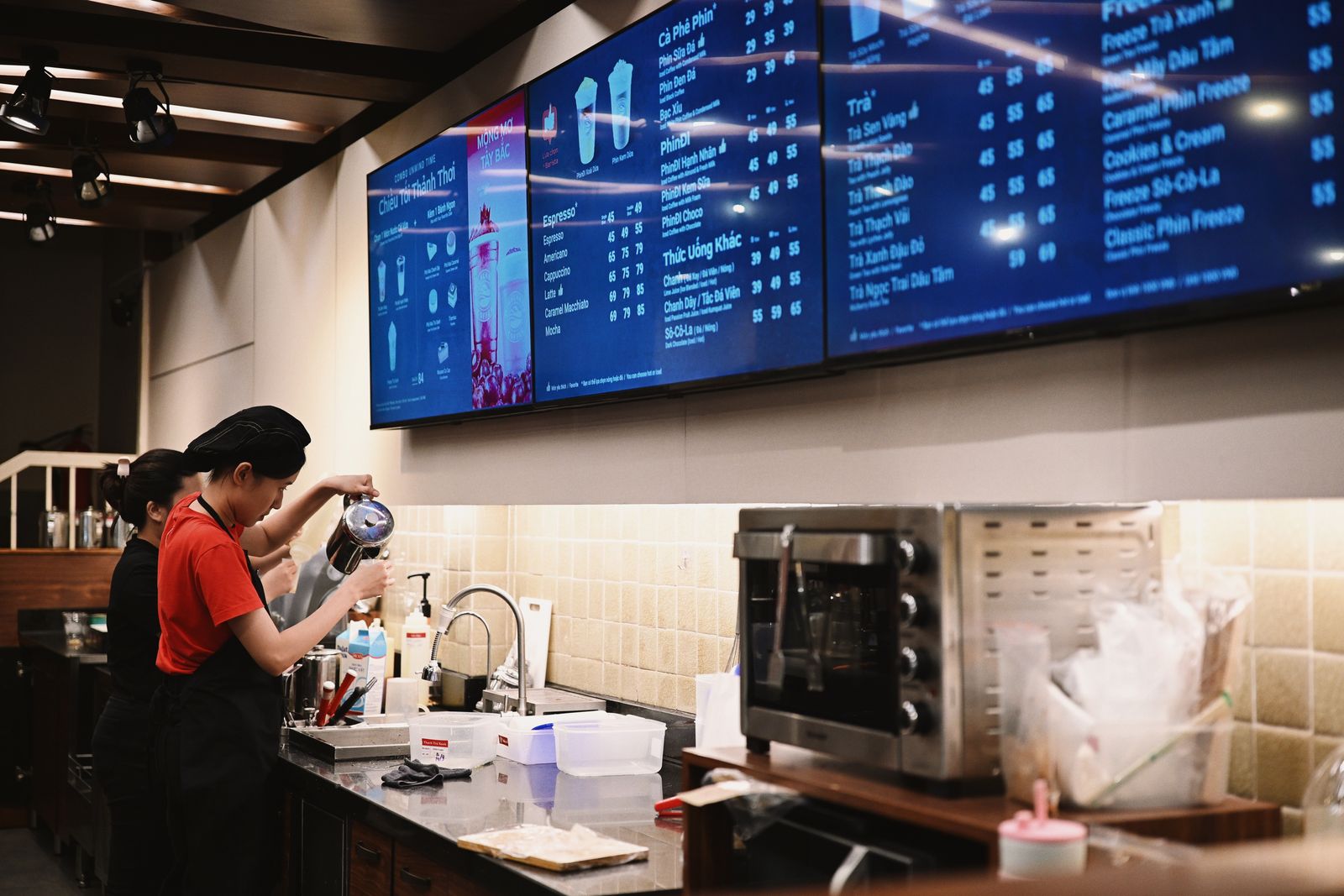
Set up simple in-store menu, promotion and information screens with reusable templates, update rules, staff handoff and reliable screen-content workflows. This guide shows how to package the work as a clear, responsible small-business service with defined scope, practical deliverables and a repeatable handoff.
1. Why this is timely in 2026
More local businesses use screens for menus, promotions, queue information and event messages, but the operational problem is often not buying a screen—it is keeping content accurate. A small-business service can package screen setup, reusable content templates, naming rules, publishing permissions and an update calendar. This is especially useful for restaurants, clinics, gyms, salons and retailers that change prices, offers or schedules frequently.
2. The business model
The simplest version is a fixed-scope setup or cleanup project. Sell an outcome the client can understand: an inventory, configured workflow, documented responsibilities, testing evidence and a handoff guide. Keep software subscriptions, legal advice, regulated specialist work and major development outside the base package unless you are qualified and the scope explicitly includes them.
3. Best clients to target
- Cafes and quick-service restaurants
- Salons, spas and clinics
- Gyms, studios and membership businesses
- Independent retailers and showrooms
- Community venues and coworking spaces

4. What to include in the offer
- Screen and content-use audit
- Template set for menus, offers and notices
- Content folder and naming structure
- Publishing schedule and approval process
- Staff handoff guide and update checklist
- Optional monthly content-refresh retainer
Keep every deliverable in the proposal. If the client asks for new features outside the list, quote them as a separate phase rather than silently expanding the project.
5. How to start step by step
- Choose one client type and define a fixed starter package.
- Create a short discovery form and repeatable audit checklist.
- Build a demo deliverable using fake or public sample data.
- Set written scope limits, approvals and handoff responsibilities.
- Complete one pilot project, collect feedback and improve the checklist.
- Publish a simple service page and begin targeted outreach.
Useful related Do Small Business reading: Restaurant Digital Menu & QR Ordering Setup, Local Business Content Day Service, all business guides.
6. Pricing and margin planning
Sell a one-location starter package based on number of screens and template types. Hardware procurement, mounting and electrical work should be quoted separately by qualified providers. Recurring revenue can come from monthly content updates or seasonal campaigns. Keep design revision limits in writing so small copy changes do not become unlimited creative work.
7. Tools and workflow
Map each screen to a purpose, owner and update frequency. Confirm display resolution and orientation, then build templates with safe margins and readable type. Store source files in a structured client folder, create a publishing checklist, test playback and confirm what happens if the internet connection fails. Give staff a simple handoff sheet with who can publish, how to request edits and how to revert an incorrect message.
- A secure shared workspace for approved client files
- A task board or spreadsheet for scope, owners and status
- Client-approved platform tools relevant to the service
- A written checklist for testing and handoff
- Password manager and multi-factor authentication for work accounts
8. How to find first customers
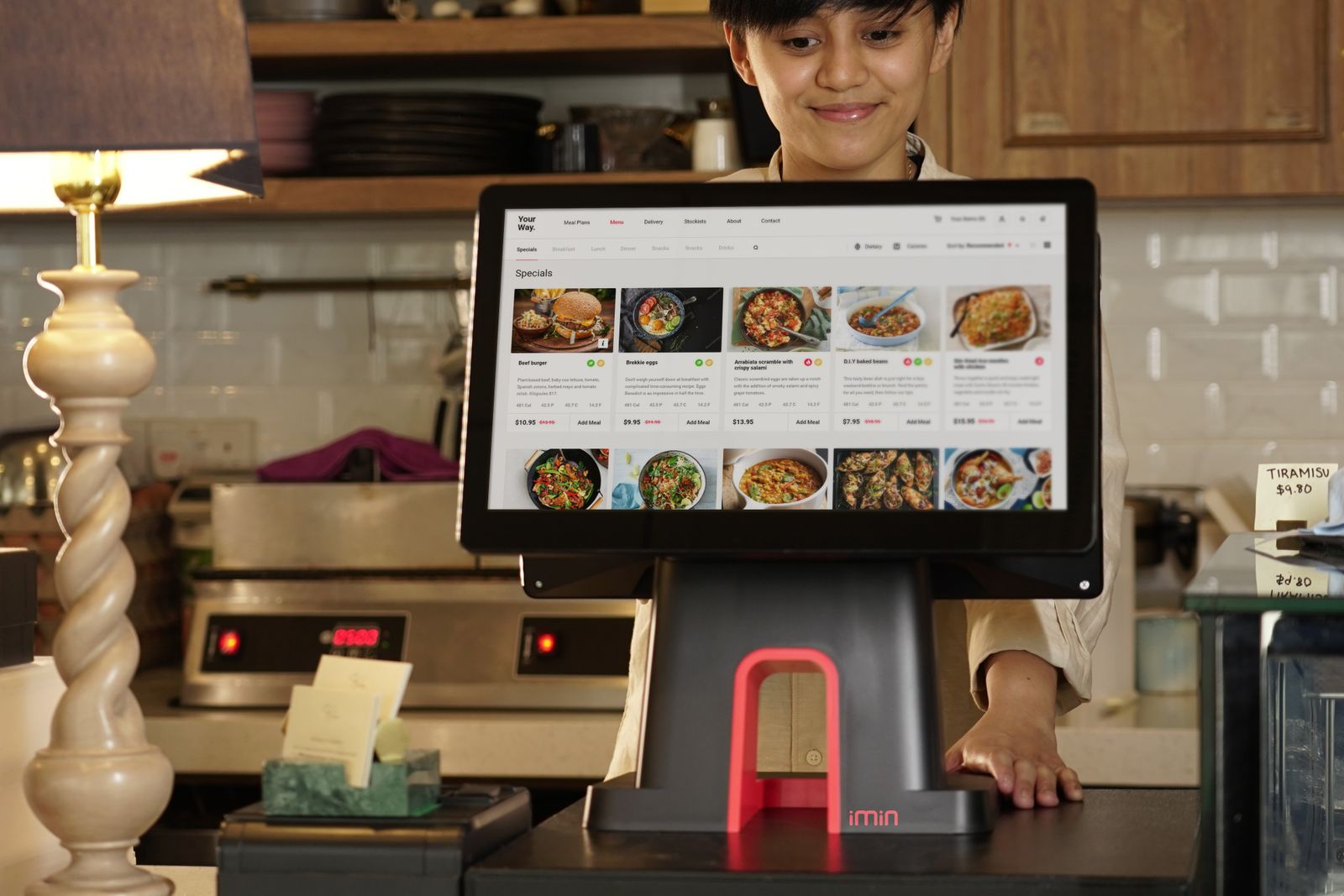
Walk through commercial areas and identify businesses already using printed posters or static TV slides. Offer a low-friction demo showing three reusable screen layouts rather than a complicated software pitch. Partner with local AV installers, photographers and menu designers who do not want to manage ongoing content.
9. SEO and content plan
Build location pages and educational articles around “digital menu screen setup,” “retail digital signage content service,” and “screen content management for small business.” Show real mockups and explain operational benefits such as faster updates and fewer outdated signs. Avoid claiming guaranteed sales lifts unless you have measured evidence.
10. Mistakes to avoid
- Selling hardware before defining the content workflow
- Using tiny text that cannot be read at viewing distance
- Letting too many staff members publish without approval
- Forgetting portrait versus landscape layout
- No fallback content when a media player disconnects
- Unlimited revisions with no content calendar
11. 30-day launch plan
Choose niche, define scope and create the checklist.
Build a demo, pricing sheet and intake form.
Contact 20–30 tightly matched prospects or partners.
Run a pilot, document questions and tighten the workflow.
Publish a case-study style example and ask for referrals.
12. How to grow
Standardize packages by industry, add monthly content retainers and build a library of reusable template systems. For larger clients, coordinate multi-location content governance while keeping hardware installation and electrical work with qualified specialists.
13. FAQ
Do I need to sell screens?
No. You can focus on content systems, templates and publishing workflows while the client buys hardware separately.
Can this become recurring revenue?
Yes. Monthly content refreshes, seasonal promotions and multi-location update support can become retainers.
What should be tested before handoff?
Resolution, orientation, readability, publishing access, playback reliability and a simple fallback or rollback process.
Useful external resources
Disclaimer: This article is educational and does not provide legal, tax, accounting, cybersecurity, privacy or regulatory advice. Requirements vary by location, industry, platform and data type. Use qualified professionals where specialist advice is required.